Mobile access guide – checked 11 September 2026
Voodoo Casino mobile access in Australia
 Available in US
Voodoo Casino is usable through a mobile browser, which is the clearest verified way to access the site on a phone or tablet. The current official AU site loads as a responsive web experience and exposes the same main navigation categories used on desktop. What is not verified strongly enough for publication is a current native Voodoo Casino app in Apple’s App Store or Google Play. No official native listing tied to Voodoo Casino or Novatrix SRL is established by the material used for this guide, so this page does not tell readers to download one.
That distinction matters because “mobile casino”, “PWA” and “app” are often used loosely on review pages. A mobile website runs in the browser. A progressive web app, or PWA, can behave more like an installed shortcut while still being web based. A native app is a separately distributed application from an official app store. For Australian readers, browser access is the verified baseline and any native-app claim should be checked again on the official site and app stores on the day it matters.
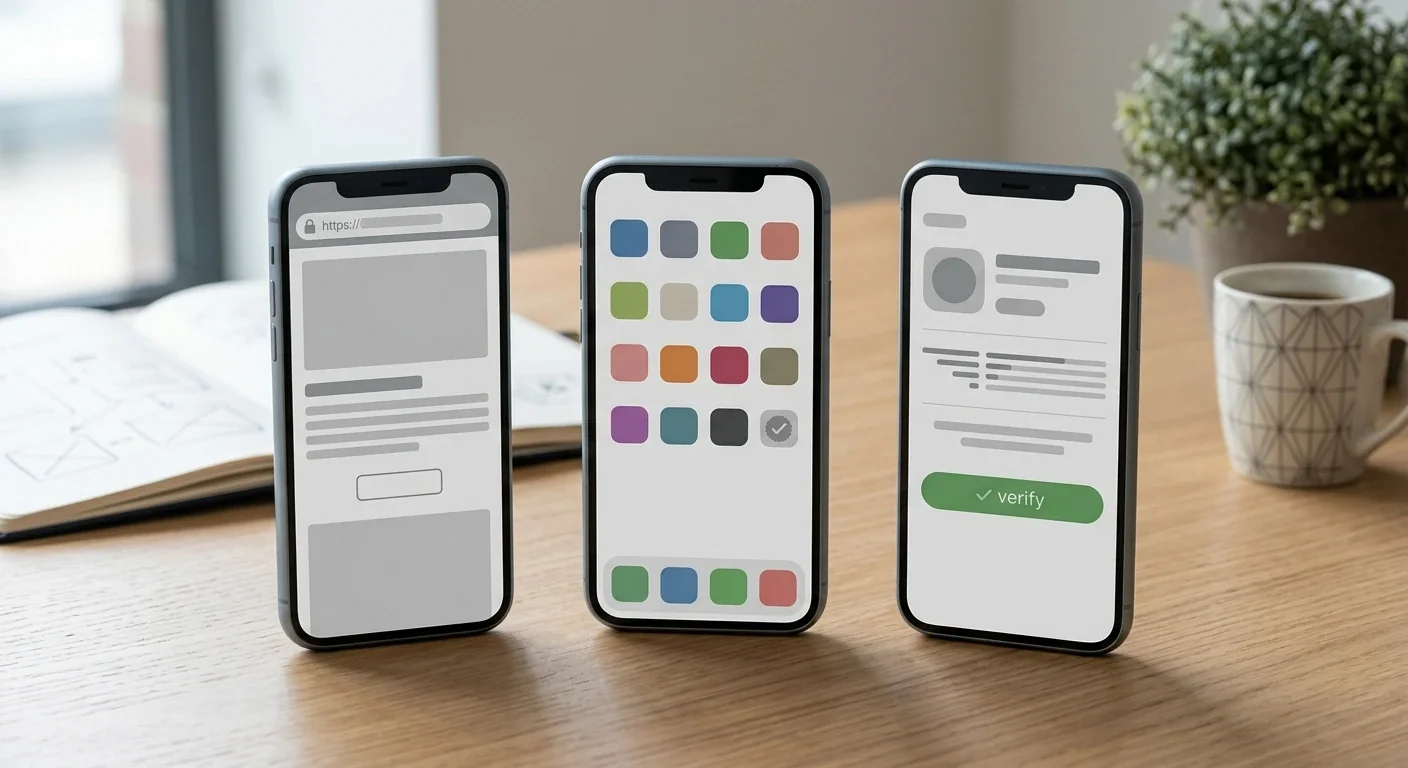
Table of Contents
- Mobile browser is the verified baseline
- Mobile site, PWA and native app are not the same thing
- What current checking found about a native Voodoo app
- How to recognise a real native listing
- Games and account functions on a phone
- Cashier use on mobile
- Mobile security checks worth doing
- PWA claims need the same verification discipline
- A repeatable mobile-access check
- How to verify whether Voodoo has a real native app today
Mobile browser is the verified baseline
The practical starting point is simple: open the official Voodoo Casino site in a current mobile browser rather than hunting for an APK or relying on an “app download” page from an affiliate site. Independent specialist reviews report mobile-browser usability, and the official AU site itself is structured for phone-sized access.
Browser access also has a verification advantage. The URL remains visible, updates are delivered by the website rather than by an app package, and there is less risk of installing software from an unknown publisher. It does not guarantee every desktop feature will always appear on mobile, but it is the least ambiguous access method described by the available product information.
Mobile site, PWA and native app are not the same thing
| Format | How it works | How to verify it |
|---|---|---|
| Mobile website | Runs directly in Safari, Chrome or another browser | Check the official domain and responsive layout |
| PWA | A web experience that can sometimes be added to the home screen | Confirm the install option comes from the official site, not a third-party download |
| Native app | A separately packaged iOS or Android application | Verify the developer, listing and links in Apple App Store or Google Play |
The most common source of confusion is a home-screen shortcut being called an “app” even though it is still a browser-delivered product. That can be perfectly usable, but it is not evidence of a native iPhone or Android application. The reverse problem is more serious: a third-party website may advertise an Android APK even when the operator has not published a verified package. This guide does not recommend installing such files.
What current checking found about a native Voodoo app
Third-party sources make conflicting claims about native-app availability. One specialist source reports mobile web or PWA access and no native iOS or Android application, while other affiliate pages use native-app language. Because that disagreement is not resolved by a verified official app-store listing, the binary claim “Voodoo has an app” or “Voodoo has no app” is not treated as established fact here.
The available material does not establish an Apple App Store or Google Play listing that can safely be attributed to Voodoo Casino or Novatrix SRL. Store results can change by country and over time, so absence from one search is not permanent proof of non-existence. It is enough, however, to reject confident download instructions today.
How to recognise a real native listing
If a native app appears later, verify more than the title. The strongest chain is an official Voodoo page linking directly to the store listing, combined with a developer or publisher identity that can be matched to the operator or an explicitly disclosed software publisher. Check the listing URL, developer name, privacy information and update history. A familiar icon or the words “Voodoo Casino” are not sufficient because names and artwork can be copied.
Do not treat a QR code on an unrelated review page as proof. Do not install an APK because a search result calls it the “official Android app”. Android package distribution outside Google Play can be legitimate in some contexts, but without first-party verification it adds an unnecessary authenticity and malware risk. This page therefore provides no sideloading instructions.
Games and account functions on a phone
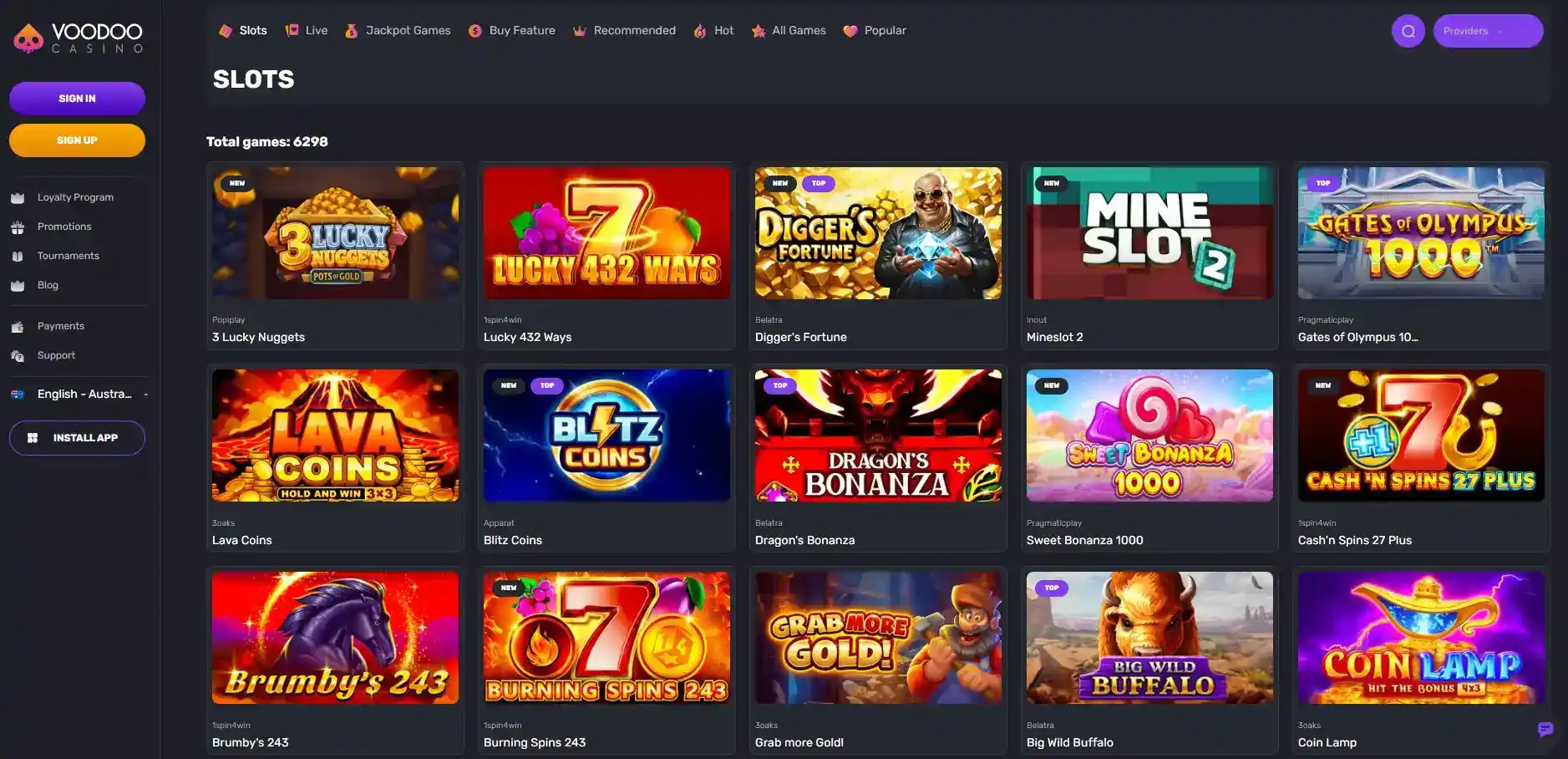
The AU site exposes major game categories such as Slots, Live, Jackpot Games and Buy Feature on its public interface. Mobile-browser access can therefore be used to browse the catalogue, but this page does not promise that every individual title has identical availability on every device. Provider restrictions, game-level availability, screen orientation and browser support can vary independently of the overall site.
For catalogue detail, use the Voodoo games guide rather than assuming a desktop count transfers exactly to mobile. Likewise, registration and document checks are covered in the account guide. A phone may be convenient for photographing or uploading documents, but the existence and exact behaviour of a mobile upload workflow should be verified in the live account interface before relying on it.
Cashier use on mobile
The same caution applies to payments. A responsive site can expose a cashier on mobile without guaranteeing that every payment method shown elsewhere is available on every handset, browser, currency or account state. Public payment tables also do not necessarily match the live cashier for a logged-in Australian user.
Before depositing, compare the live cashier with the payment methods guide and check the currency, minimum, fee information and withdrawal compatibility actually shown to your account. Avoid assuming that mobile access changes the underlying verification or cashout rules. Those are account and payment conditions, not properties of the device.
Mobile security checks worth doing
- Use the official domain and inspect it before entering account credentials.
- Prefer a supported, updated browser and operating system.
- Do not install APK files from review sites, file hosts, chat links or social posts.
- Do not reuse a gambling password on email, banking or other services.
- Log out on shared devices and avoid storing credentials on a phone you do not control.
- Check the live site for current support options if something looks different from the desktop experience.
These checks are useful precisely because mobile convenience can reduce the friction that normally prompts a user to inspect the destination. A saved shortcut can be fine, but verify where it points before trusting it.
PWA claims need the same verification discipline
A PWA can provide an app-like full-screen experience, a home-screen icon and faster re-entry while still being a website underneath. Specialist sources report PWA or mobile-web availability, but they do not establish that a particular PWA installation flow is permanently available to Australian users. Treat it as a feature to verify on the current official site.
If your browser offers “Add to Home Screen” or an equivalent command while you are on the verified official domain, that is materially different from downloading an executable package from an unknown website. The shortcut remains a browser-delivered access method; account, payment and game conditions remain separate questions covered elsewhere on this site.
A repeatable mobile-access check
Start with the official domain in a current browser and confirm that the main navigation, account controls and cashier areas needed for your use are accessible. If the browser offers a home-screen shortcut, treat that as a web-delivered convenience unless an official store listing establishes a separate native application. A shortcut icon by itself does not identify a native iOS or Android package.
If a store listing appears, compare it with the official site before installing anything. The useful identifiers are the destination link, developer or publisher identity, listing details and update history. If those signals do not line up, the browser route remains the clearer option. This check is deliberately independent of affiliate download buttons, QR codes and third-party APK pages because those do not establish who published the software.
How to verify whether Voodoo has a real native app today
Start with the official Voodoo site on your phone. Look for a direct App Store or Google Play link rather than an affiliate download button. Then search the relevant store and compare the developer identity, destination URL and listing details. If those checks do not line up, use the verified mobile-browser route instead and do not sideload software.
Mobile-browser access is the clearest published access method. A native iOS or Android app is not independently verified strongly enough to state either way. That is a more useful answer than converting uncertain search results into an unsafe download recommendation.
Repeat the check whenever the distribution method changes. A browser page, a home-screen shortcut and a store application are different delivery routes, so confirm which one is actually being offered before following installation instructions. That keeps a convenient shortcut from being mistaken for a separately published native app.
Created by the ”Voodoo Casino” editorial team.